Test automation for legacy applications – the non-invasive way: Let the UI “speak”

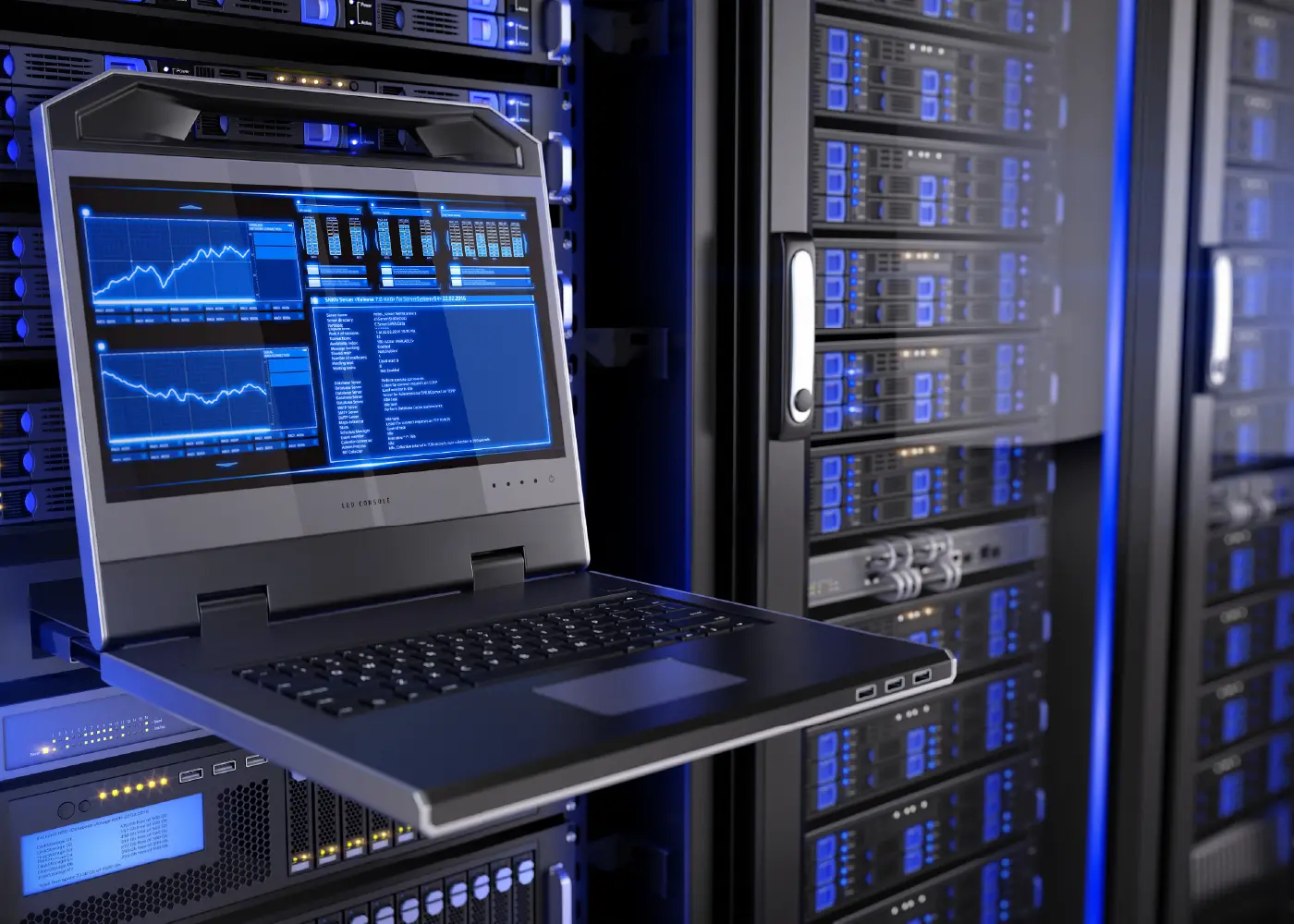
Offener Laptop vor blau beleuchteten Server-Schränken; auf dem Bildschirm sind System- und Performance-Statistiken sowie Diagramme zu sehen.

Introduction

If you’ve ever tried to automate tests for a legacy application, you’ve probably thought at some point, “Why is this thing so resistant?” You’re not alone.

Legacy systems—decades-old desktop applications or cumbersome enterprise tools—often come without APIs, modern frameworks, or an easy entry point. They’re like black boxes, only with more bugs and less documentation.

Traditional test automation requires technical access: APIs, DOM structures, or clearly defined element hierarchies. This is precisely what legacy apps usually lack. So how do you test without rewriting the entire system or painstakingly reverse-engineering it?

Instead of forcing your way in, let your tool observe and interact with the user interface—just like a human tester—using AI-powered image recognition and simulated keyboard and mouse input.

Why classic automation isn't enough here

Most test frameworks rely on technical access to the application: reading UI elements, triggering events, or calling APIs. This is perfect for modern software.

With legacy systems, however, the reality is quite different. You’ll often encounter:


Often, you can’t inspect the UI, you can’t “reach in,” and sometimes you can’t even interact with it safely in production. This is precisely where a visual, non-invasive approach becomes especially valuable.

Our automated testing and monitoring tool helps companies implement the technical testing processes required by DORA efficiently, transparently, and in an audit-proof manner.

Eine Wand an schwebenden Grafiken mit einer Nahaufnahme einer Hand davor, die kurz davor ist, auf ein Kuchendiagramm zu tippen.

The visual recognition approach

This approach reverses traditional automation: Instead of accessing internal structures, the tool simply “looks” at the screen and interprets what’s there – just like a human.

The process:

Why this works

No internal access required

You don’t need source code or APIs – and you don’t even need to know what language the app was developed in.

Works on any visible surface

From Windows Forms to Java Swing to terminal emulators: if it’s displayed on the screen, it can be tested.

Technology and framework independent

The AI ​​model recognizes visual patterns in the surface – such as the shape and label of a “Save” button – without being tied to a specific tech stack.

Closer to real user behavior

The test interacts like a human: moving the cursor, clicking, typing. This makes tests more realistic and better reflects real workflows.

Practical Use Cases

This approach is particularly suitable for environments such as:

In all these cases, automated testing is necessary – but traditional tools can’t find an “anchor point”. Visual recognition fills this gap.

Minimal setup, minimal intervention

Getting started requires neither refactoring nor new infrastructure.

If you have the following:

…then you can start with automation.

This is often faster and more practical than forcing legacy software into internal integrations.

And what about mobile devices?

This approach also works for mobile apps – without emulators or rooted devices.

Many modern Android and iOS devices support video output. Using a capture card or a compatible display, you can obtain a live screen stream that can be visually analyzed.

Input can be simulated via touch or keyboard events. As long as the screen is visible and the device responds to user input, testing is possible – without developer mode.

Conclusion

Legacy systems are deeply embedded in critical workflows across many industries—and they’re not going away anytime soon. Until recently, however, automating their testing was a real hurdle.

With AI-powered visual recognition and non-invasive input control, you can test legacy applications without modifying or accessing their internals. By treating the app like a user—seeing the UI, recognizing components, and interacting with clicks and keystrokes—you build meaningful test coverage, even on the most opaque systems.

Drvless Visual Test Automation Agent delivers “out of the box”: pre-trained AI models that understand user interfaces, combined with full keyboard and mouse interaction across desktop and mobile platforms. No plugins, SDKs, or code access are required. Additionally, there’s a hardware solution that connects directly to HDMI and USB ports, captures video signals, and feeds in input signals at the hardware level—enabling testing of systems that are completely locked down or isolated from software integration.

If your application is a black box, Drvless doesn’t try to open it. It observes, understands, and interacts—quietly and effectively.

Author: Theodor Hartmann

Theodor Hartmann began his journey in software testing in 2000 as an intern. Over the past 20 years, he has gained extensive experience in a wide range of industries, including insurance, telecommunications, and banking. With a passion for the technical aspects of testing, he loves tracking down defects and exploring the philosophical questions surrounding the purpose of testing. He remains curious about what remains constant in testing, despite the ever-changing landscape of technology and tools.